
Edit an image by drawing on it
The precise editing behind Seedream 5.0 Pro is now in the Covely editor. Click Draw to Edit and give the instruction where it belongs — on top of the picture itself.
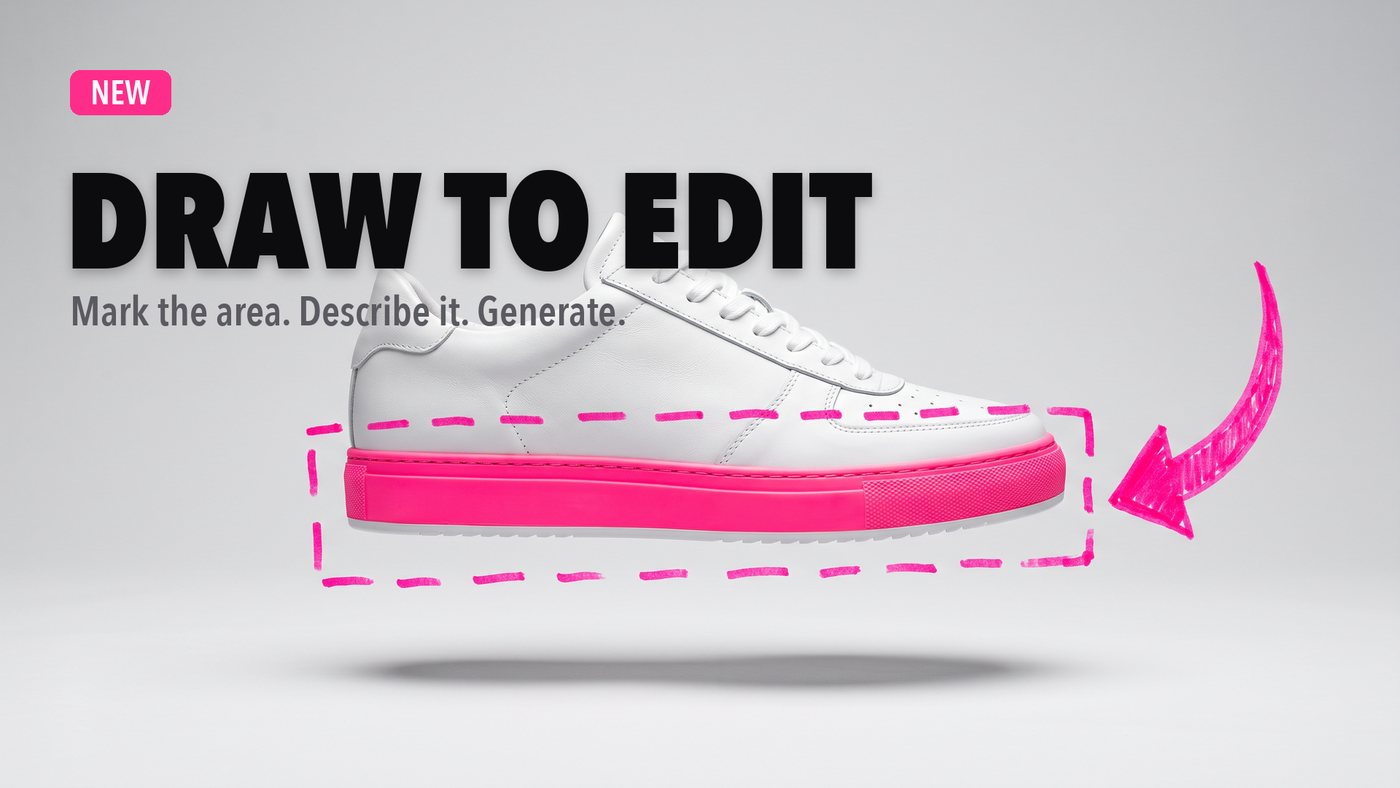
→ Write straight on the image
Circle an object, point at it, underline it, write the change next to it. The annotation is the prompt — no more describing in words which lamp you meant.
→ Only what you marked changes
Light, shadows and composition stay identical. Everything outside your mark comes back untouched, so you can keep editing the same shot.
→ Sketch what isn't there yet
A rough sketch is enough for the model to read what you want: hand-drawn guidance comes back as a finished, publishable element.
Edit an image →