
The platform
Describe the outcome. Leave with the files.
One workspace. A director briefs you, the engine is chosen for the job rather than picked from a menu, and the brand is in the room the whole time.
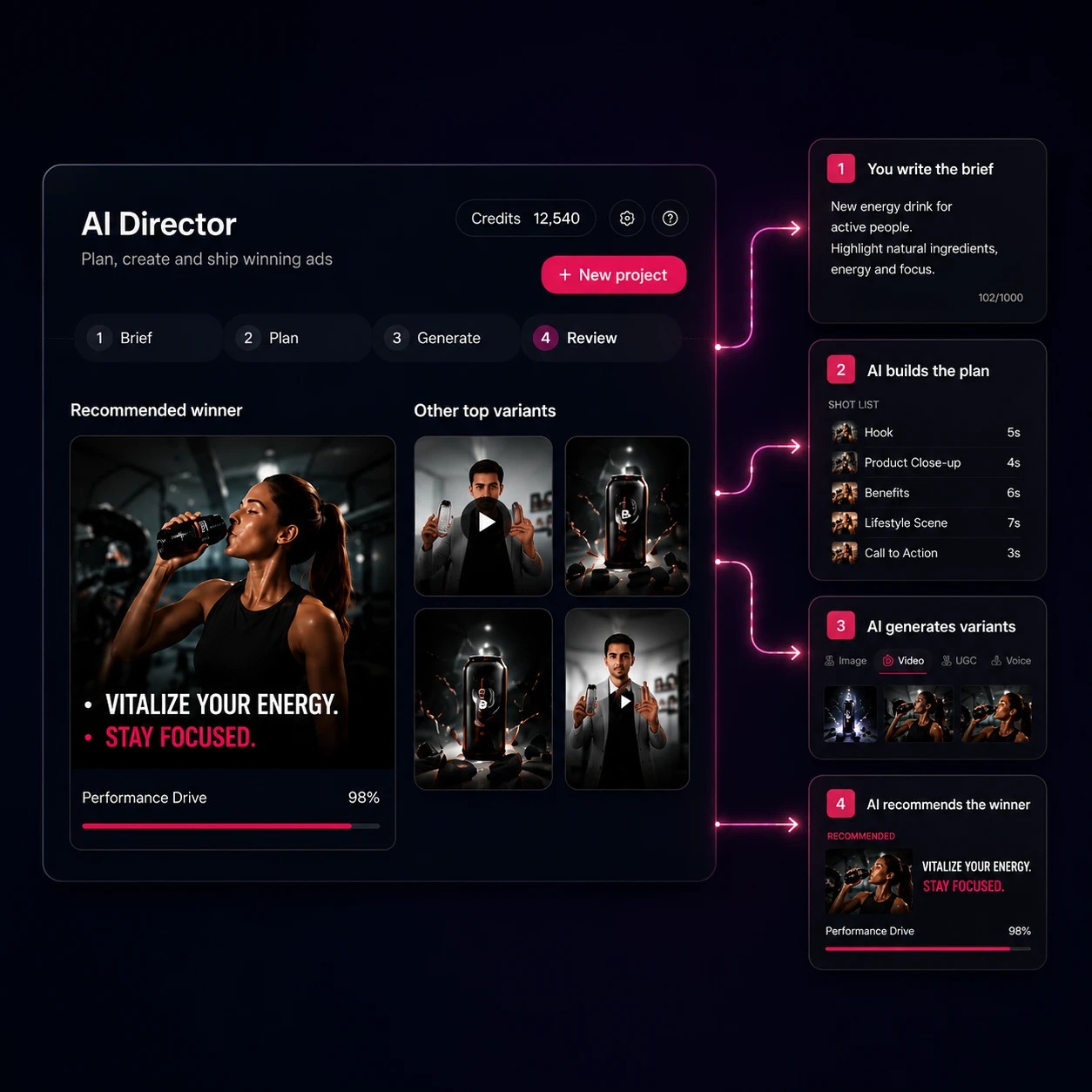
How it works
One brief in. Finished files out.
Five steps, and the fifth is the one that pays.
- Pick the goal. Image, video, advertising, music or film. It decides what the director can offer you.
- The director briefs you. One question at a time, in your language. The brief fills in beside the conversation.
- The engine is chosen. No dropdown. The brief picks the model, and shows you why when a constraint forced it.
- It generates. Charged against the real balance first. A failed or cancelled job refunds, once.
- Fix, reuse, or take it away. Edit one window on the timeline, save the format as a template, take the files.
Two ways of working
Autopilot and PRO.
The choice is not how much power you get. It is how many of the decisions you hand over. Both modes run the same engine and produce the same brief.

Autopilot
Works out the ratio, the length, the style and the camera, tells you what it decided, and asks only what it cannot infer.
The default, and the right answer most of the time.
What it costs you: You do not see the decisions until they are made.
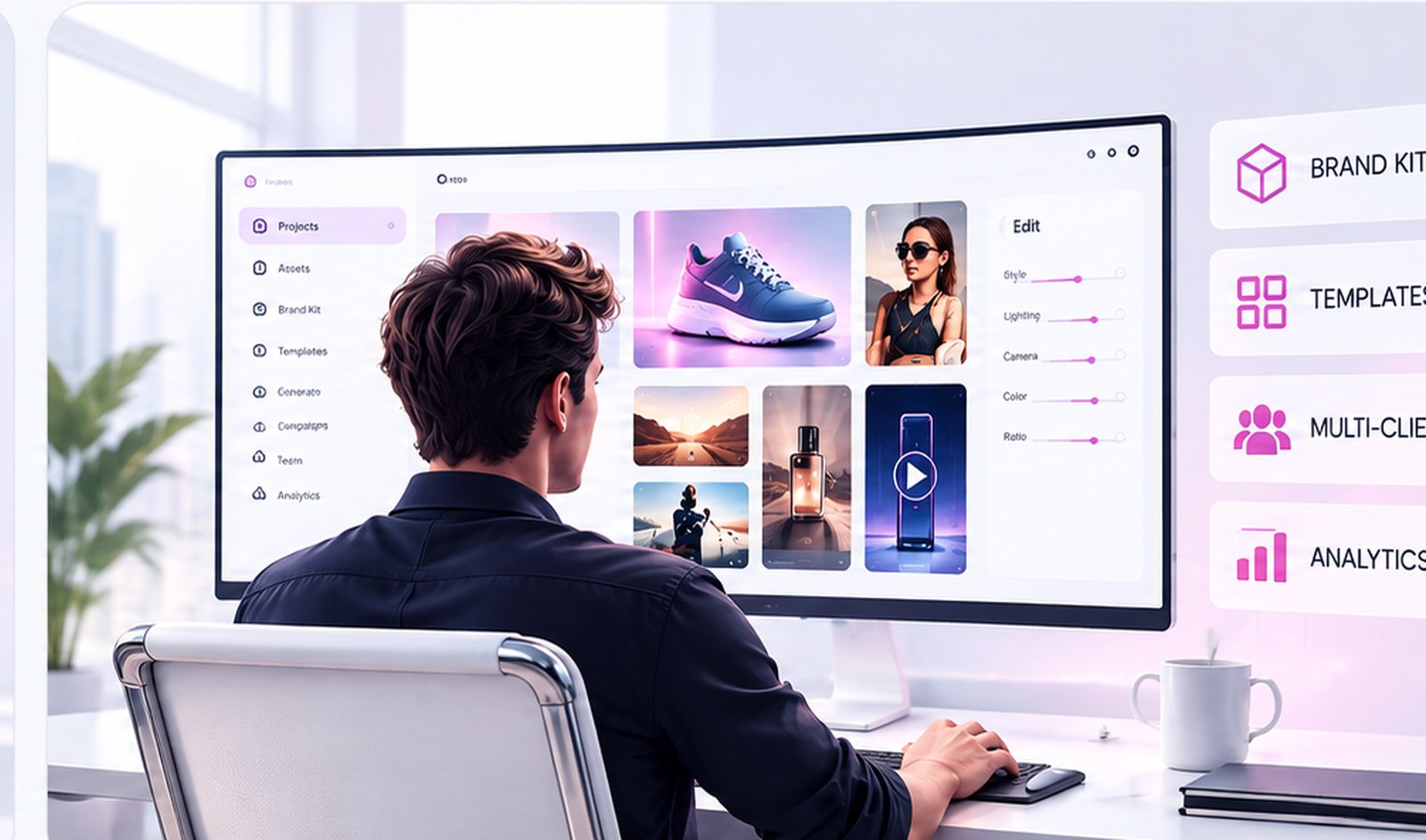
PRO
Proposes instead of deciding, and opens the advanced levers Autopilot does not show at all.
For matching a look, hitting a locked spec, or when one engine already works for a job.
What it costs you: Every lever is a decision you now have to make.
What do you want to create?
Choose an outcome. Covely builds the workflow and brings together the models, tools and formats needed to produce it.

Product Content
Packshots, lifestyle scenes, virtual shoots and product video, for every SKU.

UGC & Creators
Testimonials, demos and unboxings with digital creators, scripts and voices.

Ads & Campaigns
Static, video and UGC variations built from one campaign brief.
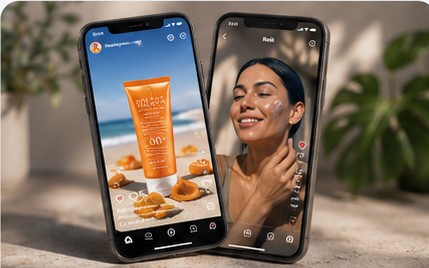
Social Content
Posts, stories, reels and recurring series, cut for each channel.
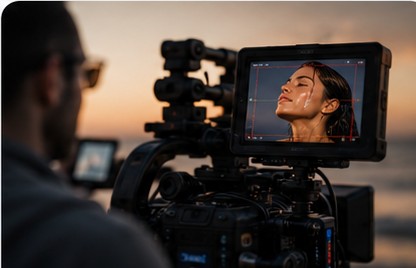
Film & Storytelling
Cinematic scenes and multi-shot stories that keep their characters.
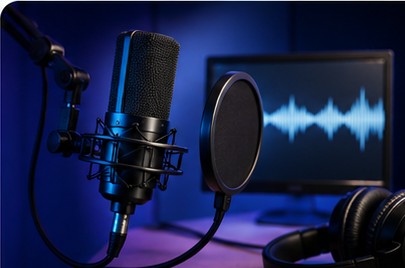
Audio & Voice
Voice-over, narration, dialogue, songs, jingles and soundtracks, in the language the market speaks.
Who uses it
One tool for every marketing function that produces content.
Not a seat for the design team and a queue for everybody else. Each of these is somebody who needs finished creative this week, and each of them briefs it the same way.
- 01
Performance and growth
More creative to test, and campaigns that never run out of it.
- 02
Brand and social
Channels that stay full, and a brand that stays itself.
- 03
E-commerce and retail
Product visuals without a limit, for every launch and every promo.
- 04
Marketing lead and CMO
Less outside budget, more control, more output.
- 05
Internal comms and events
Material ready without queuing at a vendor.
- 06
Sales networks and branches
Localised creative on demand, in self-service.
FAQ
The questions a demo actually gets.
What is the difference between Autopilot and PRO?
How many of the decisions you hand over. Autopilot works out the mode, ratio, duration, style, light and camera from what you have said and reports them as decided. PRO proposes them instead, and opens levers that in Autopilot do not exist: the model per step, resolution, seed, fixed camera, audio, watermark and the last frame. Same engine, same brief at the end of it.
Do I have to pay for PRO, or upgrade to it?
No. They are two ways of working, not two plans. Starter, Growth and Scale all have both; what changes between the plans is how many brand kits you can keep and how many credits you start with.
Can I start in Autopilot and finish in PRO?
Yes, in either direction, at any point. PRO's levers start neutral, so turning it on changes nothing until you touch one, and turning it off stops applying your choices rather than erasing them.
Can I choose the model myself?
In PRO, from the list your account actually has. Outside PRO the brief decides and the reason is shown. A choice that contradicts a hard constraint — 4K on an engine that documents 720p — is stopped before the spend rather than quietly corrected.
If one part of a video is wrong, do I generate it again?
No. Drag a window on the timeline over the seconds that are wrong, say what has to change, and the edit runs against the video and leaves the rest. It costs 12 credits and a second, against 10 and a second for a new generation, so it is not cheaper per second — what it saves is the part you had already approved.
Who owns what comes out?
You do. Output is assigned to you, subject to paying for it and to the terms, and your material is not used to train our models without your consent. The wording that binds is in the Terms of Service, section 6.
What happens when a better model arrives?
It gets wired in behind the same brief. The routing rules live in code rather than in a prompt, so adding an engine is a change to the rules, not to your workflow — and the engine named after a generation is always the one that actually ran.
Bring a product and an objective.
Open the studio, pick a goal and answer the questions. If it cannot produce something you would publish, we want to know why.