
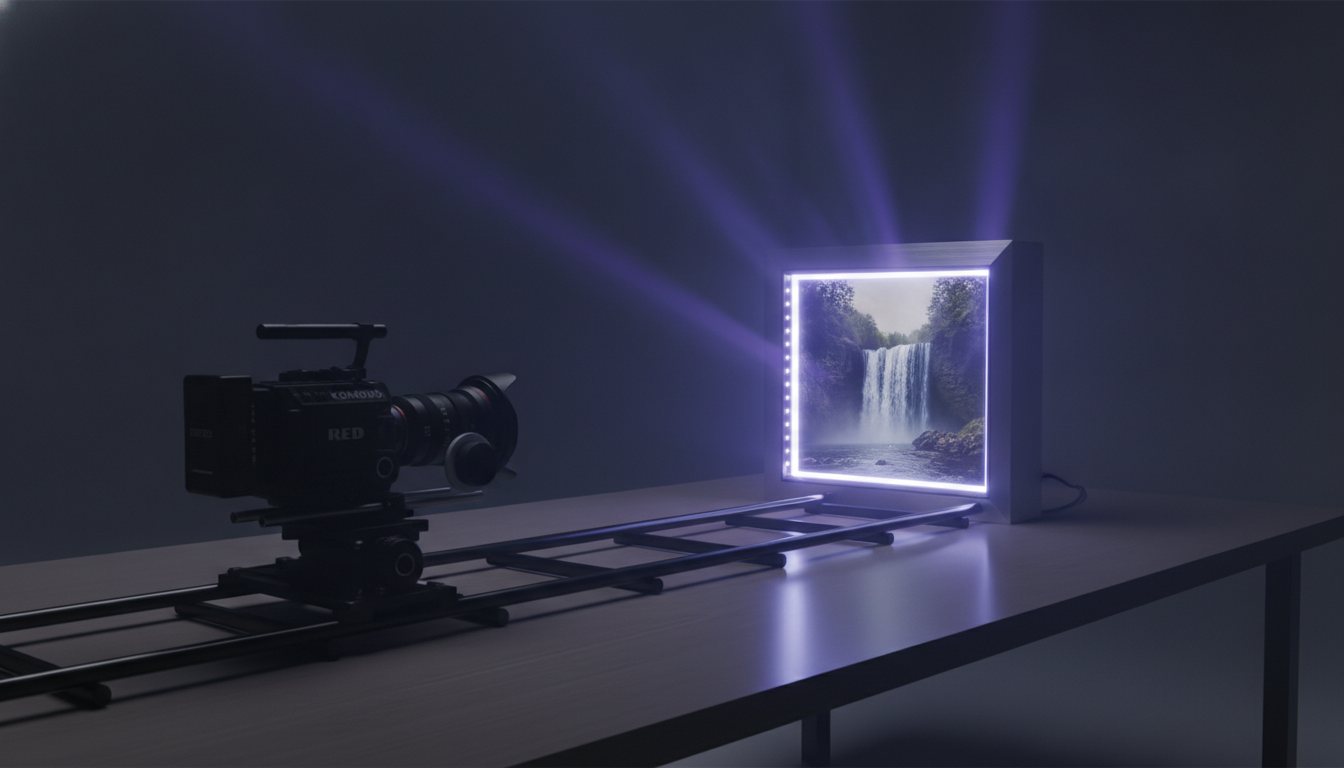
High-performing video creative often starts with a single high-resolution visual, but animating it convincingly has historically required complex 3D software and tedious compositing. Kling AI changes this paradigm by simulating real-world physics and fluid camera movements directly from a static source image. Visual marketers can now convert product hero shots, mood boards, and campaign portraits into film-grade video scenes within seconds.
Why Motion Physics in Image-to-Video Matter Now
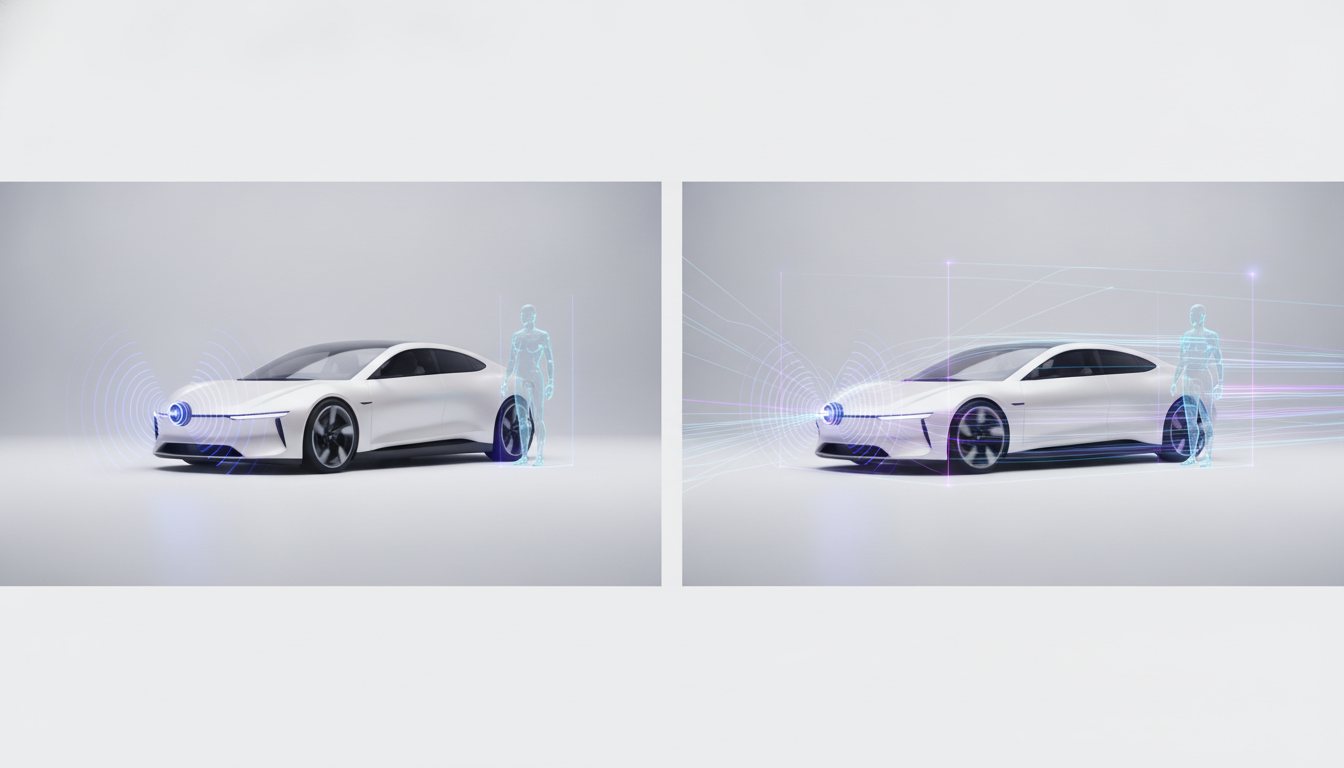
Converting a static photograph into motion often leads to severe artifacts, distortion, or uncanny motion paths. Kling AI solves this structural limitation by embedding spatial-temporal dynamics directly into its visual processing, allowing subjects and environments to interact naturally.
Fluid Motion and Temporal Consistency
Unlike legacy animation tools that stretch pixels or apply basic pan-and-zoom filters, Kling understands depth maps, atmospheric light, and weight distribution. This ensures camera pans, push-ins, and subject gestures interact realistically with both foreground elements and background lighting.
Key Features That Make Kling Ideal for Cinematic Ads
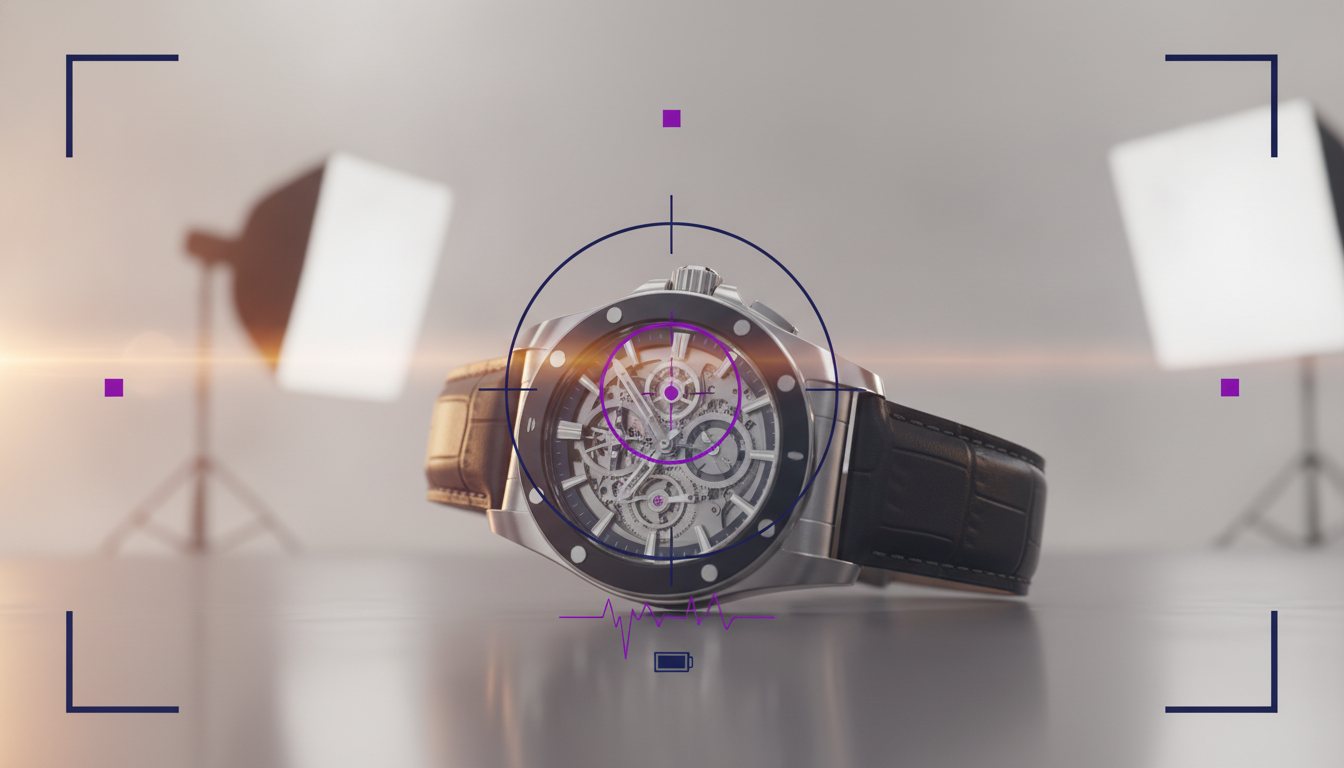
For performance marketers and creative directors, visual fidelity directly impacts video watch time and ad engagement. Kling offers several architectural features optimized for high-end ad production:
- Realistic Physics Simulation: Handles complex physical interactions such as flowing water, fabric dynamics, natural hair movement, and dynamic surface reflections.
- High-Definition Output: Generates sharp 1080p clips that preserve the fine textures and focal clarity of your original photograph.
- Precise Camera Controls: Supports explicit cinematic directions including tracking shots, push-ins, pan sweeps, and crane movements.
The core strength of Kling lies in its ability to predict off-frame motion while keeping primary brand assets and faces recognizable across changing lighting conditions.
Prompting and Directing Kling for Maximum Realism
To achieve cinematic consistency when animating a still frame, structured text prompting is critical. Focus on camera trajectory and environmental dynamics rather than trying to completely redefine the subject in the photo.
- Specify Camera Motion: Begin with clear directional terms like slow cinematic dolly in, smooth tracking shot, or pan right with shallow depth of field.
- Detail Atmospheric Elements: Incorporate subtle motion cues into the background, such as dust motes floating in volumetric sunlight or soft wind rustling through foliage.
- Restrict Subject Movements: Avoid over-prompting rapid or multi-step human actions, which can cause frame warping; focus instead on natural micro-expressions and subtle gestures.
How to Do It with Covely
Covely streamlines the end-to-end workflow of turning static brand assets into high-converting video creative powered by Kling AI. Here is how you can execute cinematic image-to-video workflows in the platform:
- Upload Your Source Image: Drag and drop your high-resolution product photography, UGC portrait, or visual concept into your Covely workspace.
- Select the Kling Engine: Choose Kling from Covely's integrated suite of video models to access its advanced motion synthesis algorithms.
- Apply Motion and Camera Presets: Utilize Covely's prompt assistant or manually input motion vectors to set camera speed, angle, and focal focus.
- Generate and Export Variations: Render full HD motion variations in minutes, ready for instant formatting into social ad channels or campaign pipelines.
Transforming static brand imagery into cinematic video no longer requires massive production crews or complex post-production pipelines. By pairing Kling's motion synthesis with Covely's automated workflow, visual advertisers can scale high-converting video assets effortlessly.