
Performance marketing teams face an unrelenting demand for fresh, engaging video content across paid social channels. While early AI video tools required fragmented workflows for audio, motion, and visual synthesis, next-generation video models unify these inputs into a single context. Google Omni represents a pivotal shift toward seamless multimodal media generation for digital performance campaigns.
Why Google Omni Matters Right Now
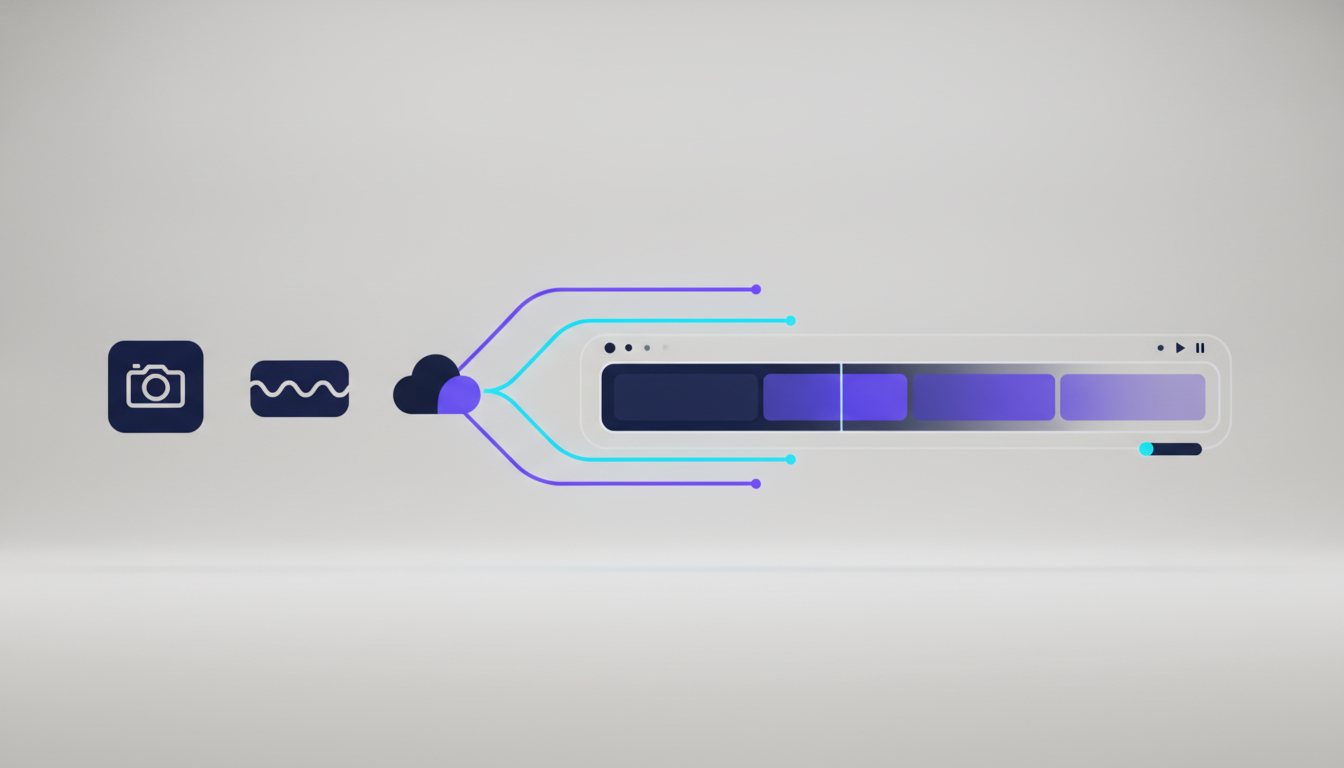
The transition from single-modality video tools to unified multimodal architectures directly addresses one of the biggest hurdles in AI video production: visual degradation and temporal drift. Marketers no longer need to stitch together disparate tools for static image generation, video animation, and script alignment. Google Omni evaluates visual assets, textual instructions, and motion dynamics concurrently, producing cohesive video assets that maintain brand integrity across frames.
Key Characteristics of Google Omni Video
Native Multimodal Context Processing
Google Omni is engineered from the ground up to process diverse media inputs simultaneously. Rather than translating textual prompts into image keyframes in isolated stages, the architecture assesses visual elements, spatial dynamics, and motion parameters in a single inference pipeline.
Enhanced Temporal Coherence and Identity Preservation
Frame distortion and visual artifacts have long plagued generative video ads. Google Omni excels at preserving subject identity—such as package graphics, actor facial features, and brand logos—even through dynamic camera movements and dramatic lighting shifts.
- Unified prompt handling: Combine visual uploads, prompt text, and direct motion controls without losing stylistic alignment.
- Realistic spatial physics: Accurate simulation of weight, reflections, and natural human actions like product handling and hand gestures.
- Optimized vertical outputs: Native support for high-definition 9:16 visual formats standard on TikTok, Instagram Reels, and YouTube Shorts.
Unified multimodal generation eliminates the friction between visual prompts, motion dynamics, and asset consistency in performance ad creative.
Advantages for Advertisers and Content Creators
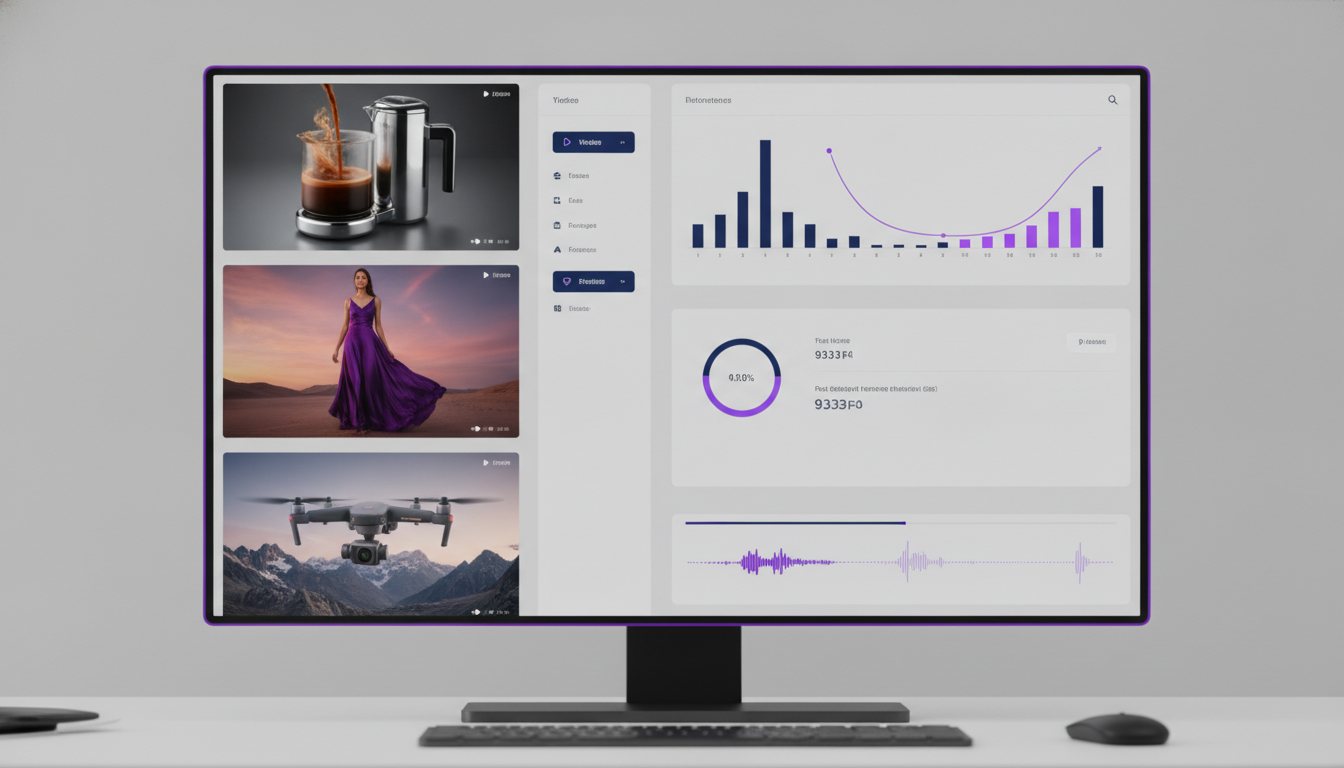
Deploying Google Omni within an enterprise creative strategy delivers clear operational benefits. Media buyers and creative strategists can produce diverse user-generated content (UGC) variations and product showcase videos in a fraction of traditional production lead times.
- High Creative Velocity: Produce and test dozens of visual hooks and variations in hours rather than weeks.
- Consistent Brand Rendering: Keep product details accurate and crisp, preventing hallucinated package design errors.
- Lower Post-Production Costs: Significantly reduce manual editing, frame retouching, and motion tracking work.
How to Use Google Omni on Covely
Covely integrates Google Omni directly into its creative generation platform, enabling teams to pair its multimodal capabilities with custom UGC avatars and workflow templates.
- Select Google Omni: Open the Studio workspace in Covely and choose Google Omni from the generation engine selector.
- Upload Visual References: Provide clear product photos or visual guidelines to establish solid subject identity lock.
- Define Motion and Context: Use Covely's structured prompt builder to set camera angles, background environments, and subject actions.
- Generate and Evaluate: Run generation passes and inspect keyframe continuity using Covely's timeline preview tool.
- Export Optimized Assets: Download ready-to-launch video files direct to 9:16 or 16:9 layouts tailored for immediate deployment across ad networks.
Google Omni equips performance marketers with unprecedented speed, realism, and fine-grained creative control. By leveraging this model within Covely, brands can convert static product ideas into high-performing video ad variations at scale.